
UI PackMulticharacter
Multicharacter
STG UI Pack character selection with a live scene, slot codes, character creation, deletion and logout for ESX, QBCore and QBOX.
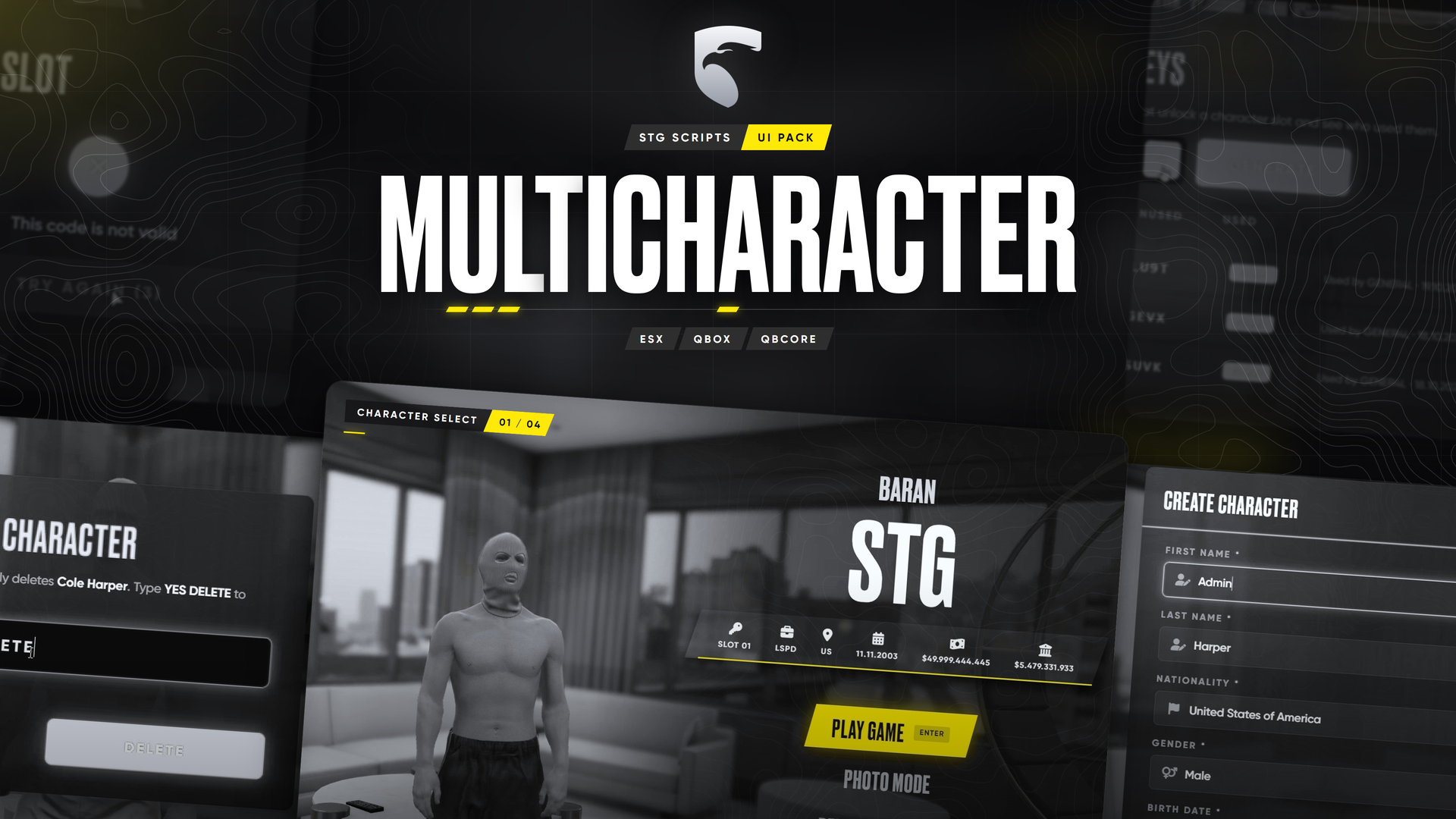
STG UI Pack: Multicharacter
ESXQBCoreQBOX
Players pick, create and delete characters in a live scene. The resource is stg-multicharacterv2.
How it works
- The menu opens when the player joins and closes the Loading Screen once the scene is ready.
- New character: name, birth date, sex and nationality, then the player spawns at
Config.FirstSpawnand the Appearance creator opens. - Existing character: goes to the Spawn Selector (or
qbx_spawn/qb-spawn) when one is running, otherwise to the last location. /logoutsends the player back to the menu.
Configuration
Everything is in stg-multicharacterv2/shared/config.lua, editable in the escrow version too.
| Setting | What it does |
|---|---|
Config.Language | One of the 17 included languages |
Config.Brand | Accent colour |
Config.FreeSlots / Config.MaxSlots | Free slots per player, and the highest slot count |
Config.StoreUrl | Shop link on the Buy Slot button, false hides it |
Config.KeyManager | /slotkeys staff panel that creates slot codes |
Config.PlayerSlots | Extra (or fewer) slots for single players by identifier |
Config.AllowDelete | false blocks deleting characters |
Config.LogoutCommand | Command name, false turns it off |
Config.Creation | Age range, name length, date format, nationalities, blocked words |
Config.Functions (shared/functions.lua) | Notify, how the look is applied, which creator opens, HUD hide and show |
Slot codes
Players unlock slots above Config.FreeSlots with a code. Staff create codes in game with /slotkeys, or in the server console with slotkeys 5 (prints 5 codes). Sell them in your shop and send the code to the buyer.
Server events
| Event | Arguments |
|---|---|
stg-multicharacterv2:server:characterLoaded | source, citizenid |
stg-multicharacterv2:server:characterCreated | source, citizenid |
stg-multicharacterv2:server:characterDeleted | source, citizenid |
Still having trouble?
Open a ticket on our Discord. Our team answers around 15 hours a day.