
Installation
Install STG Multicharacter on ESX, QBCore or QBOX, including the framework switches it needs.
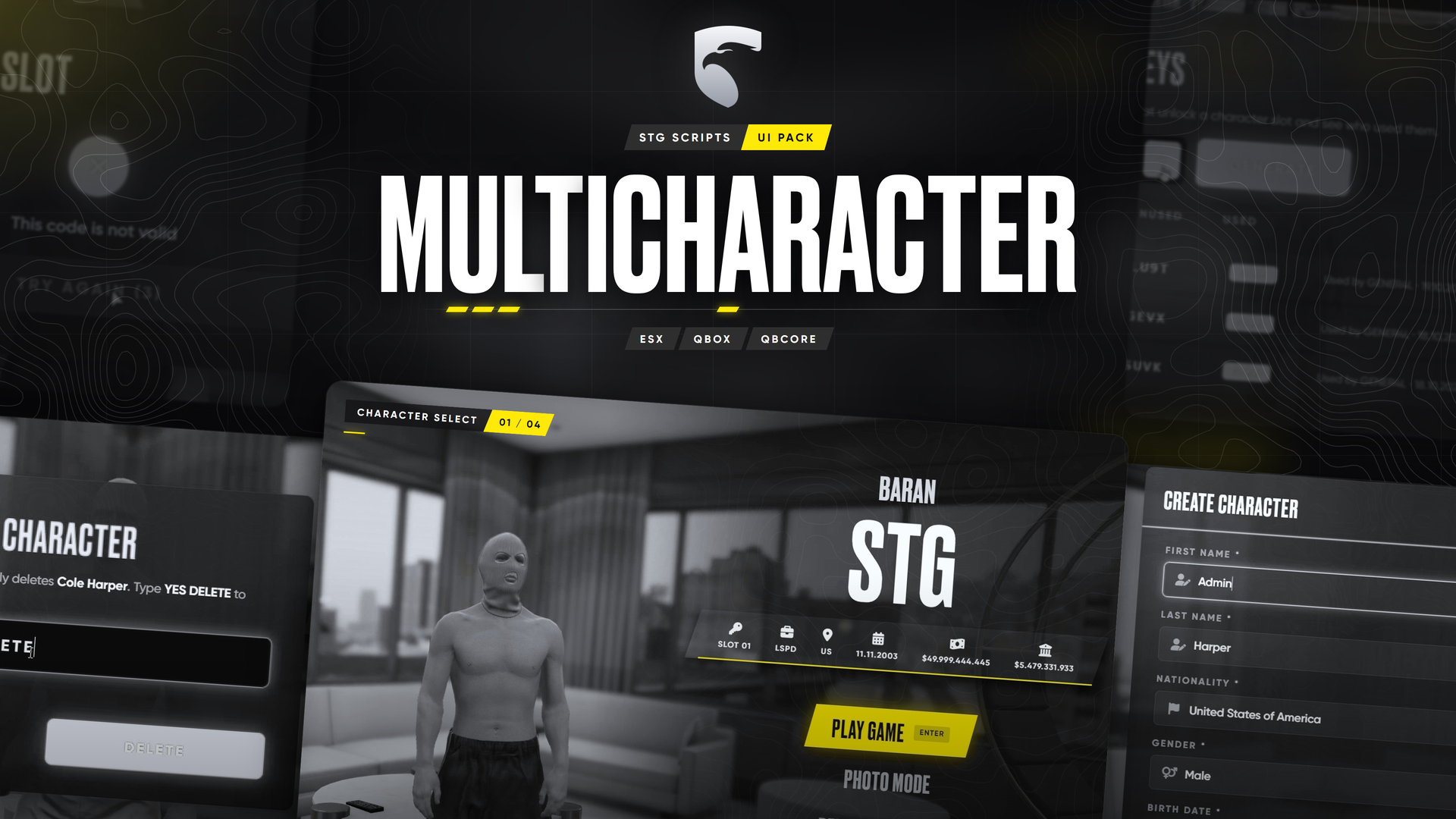
STG UI Pack: Multicharacter
Download the script
Sign in to the Cfx.re portal with the account you used at checkout and download the multicharacter from Granted Assets. Extract it, you get a folder called stg-multicharacterv2.
Remove your old multicharacter
Only one character menu can run. Delete or move out of resources any of these: qb-multicharacter, esx_multicharacter, stg-multicharacter.
Switch your framework to external characters
Open es_extended/shared/config/main.lua and change Config.Multichar = false to:
Config.Multichar = trueKeep esx_identity running. Full ESX list: ESX setup.
Open qbx_core/config/client.lua and set:
useExternalCharacters = true,Nothing to change. Removing qb-multicharacter is enough.
Start it
Put stg-multicharacterv2 inside resources/[STG]. It has to start after your framework, oxmysql, ox_lib and stg_lib:
ensure oxmysql
ensure ox_lib
# your framework: es_extended, qb-core or qbx_core
ensure stg_lib
ensure [STG]
The database tables are created on the first start. Restart the whole server.
Check that it works
- Join the server: the loading screen fades into the character menu.
- On ESX, the server console must not print the red
Config.Multicharerror. If it does, step 3 was missed or the server was not fully restarted. - Create a character: after the form, the appearance creator opens.
Good to know
- Existing characters stay. ESX characters (
char1:<license>) and QBCore/QBOX characters show up as they are. - ESX names are limited to 16 characters by the
userstable. - Deleting a character removes its rows from every table that belongs to it (vehicles, licenses, outfits and so on).
- Starter items that do not exist in your inventory print a yellow warning in the server console with the item name.
- Without STG Appearance the look is loaded through
skinchanger/illenium-appearance, seeConfig.Functionsinshared/functions.lua.
Something does not show up or the console prints an error? See Common Errors or open a ticket on Discord.
Still having trouble?
Open a ticket on our Discord. Our team answers around 15 hours a day.