
UI PackSpawn Selector
Spawn Selector
STG UI Pack spawn selector with a live map, last location, owned homes and custom spawn points.
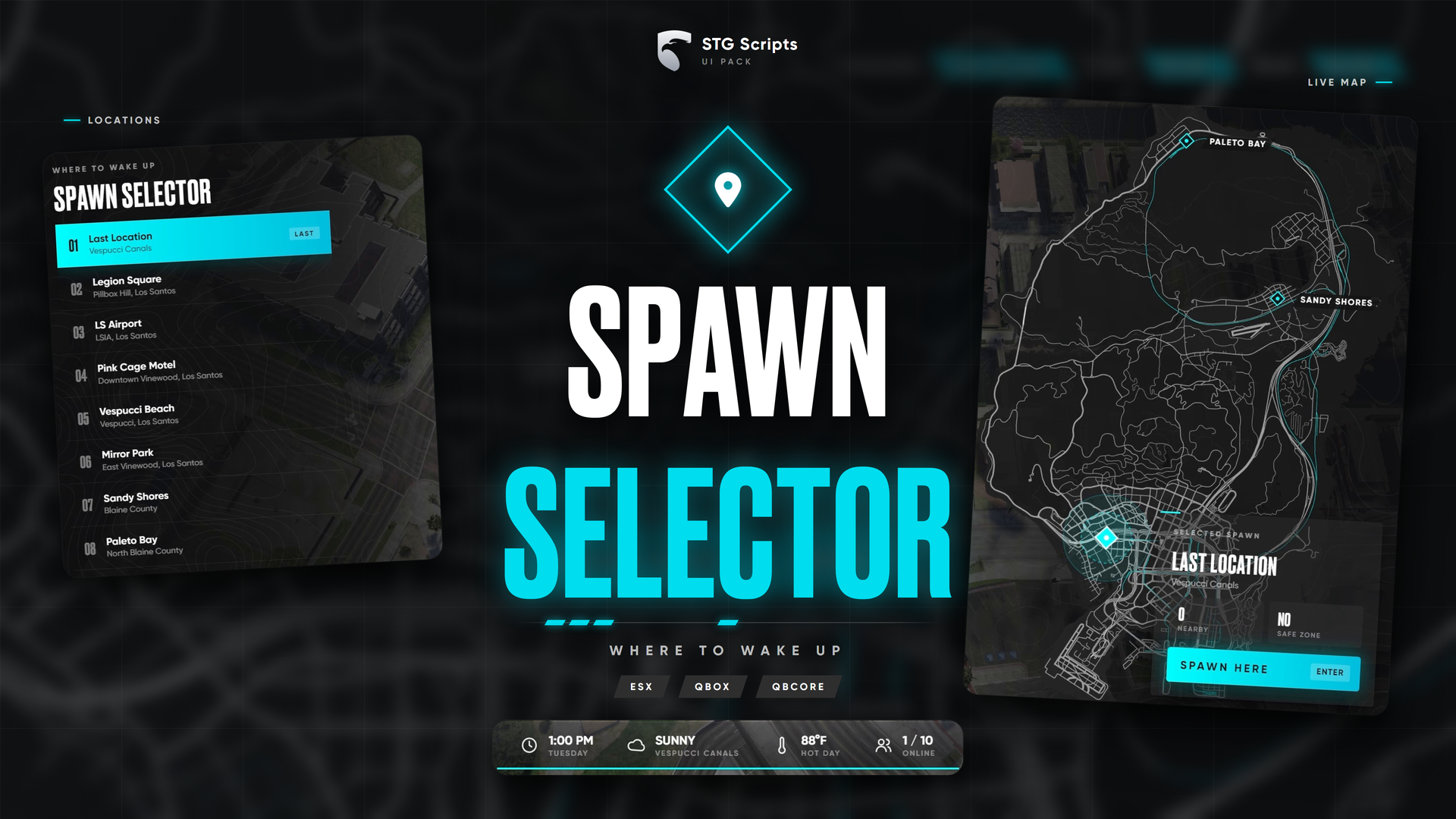
STG UI Pack: Spawn Selector
ESXQBCoreQBOX
Players choose where to wake up on a live map. The resource is stg-spawnselector.
Installation
Download the script
Sign in to the Cfx.re portal and download the spawn selector from Granted Assets. Extract it, you get a folder called stg-spawnselector.
Remove your old spawn menu
Remove qbx_spawn or qb-spawn so only one spawn menu opens.
Start it
Put stg-spawnselector inside resources/[STG], after your framework, oxmysql, ox_lib and stg_lib (ensure [STG]). Restart the whole server.
How it opens
- With STG Multicharacter: it opens by itself after a character is picked.
- With qb-multicharacter or apartments: it answers
qb-spawn:client:setupSpawnsandqb-spawn:client:openUI, so they keep working. - With another ESX multicharacter (for example
esx_multicharacter): it does not open by itself. Open it from that resource afteresx:playerLoadedinstead of its own spawn. The selector places the ped and firesesx:onPlayerSpawn. - From your own script:
exports['stg-spawnselector']:open({ last = vec4(x, y, z, heading) }) -- client
TriggerClientEvent('stg-spawnselector:client:open', source, {}) -- server, last location is read from the database
After spawning, the client event stg-spawnselector:client:spawned (locationId) fires.
Configuration
stg-spawnselector/shared/config.lua:
| Setting | What it does |
|---|---|
Config.Locations | Every spawn point with its label and coordinates |
Config.LastLocation | Adds "Last location" on top |
Config.Properties | Adds owned qbx_properties homes (QBOX) |
Config.Temperature, Config.Clock | 'F' / 'C' and '12h' / '24h' on the bottom bar |
Still having trouble?
Open a ticket on our Discord. Our team answers around 15 hours a day.