
Installation
Install STG Appearance on ESX, QBCore or QBOX and replace skinchanger, esx_skin, illenium-appearance or qb-clothing.
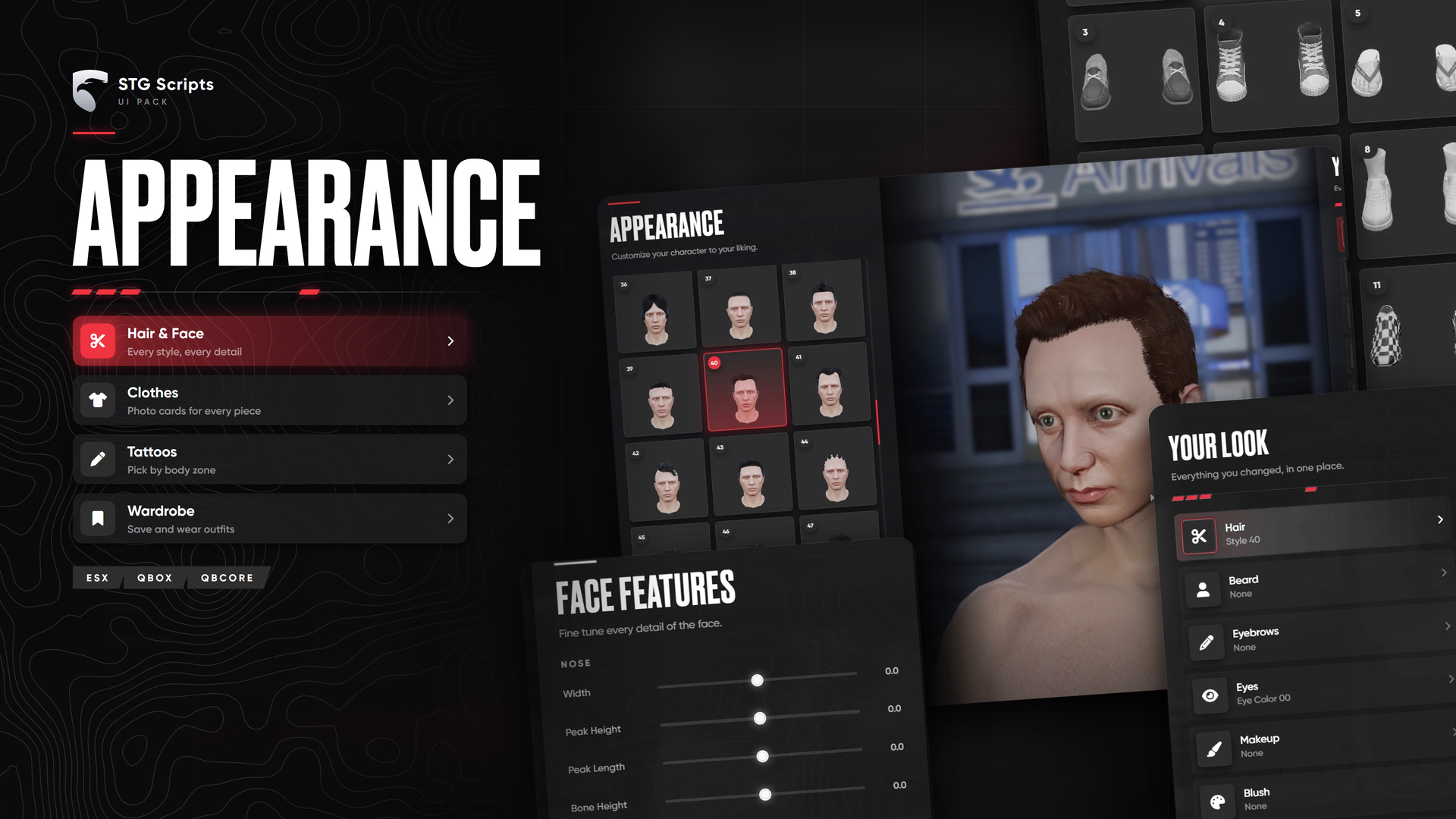
STG UI Pack: Appearance
Download the script
Sign in to the Cfx.re portal with the account you used at checkout and download the appearance from Granted Assets. Extract it, you get a folder called stg-appearance.
Remove your old appearance script
Only one resource may load and save looks. Remove the one you have now:
Delete skinchanger and esx_skin, or move them out of the resources folder (inside [core] they would start again with ensure [core]). Keep esx_identity.
STG Appearance answers every skinchanger and esx_skin event, so job cloakrooms, esx_property, esx_accessories and other ESX scripts open the STG menu instead. Full ESX list: ESX setup.
Remove illenium-appearance, fivem-appearance or qb-clothing. Saved looks stay, STG Appearance reads the same playerskins table.
Start it
Put stg-appearance inside resources/[STG]. It has to start after your framework, oxmysql, ox_lib and stg_lib:
ensure oxmysql
ensure ox_lib
# your framework: es_extended, qb-core or qbx_core
ensure stg_lib
ensure [STG]
Restart the whole server.
Optional: clothing photos
Want photo cards instead of arrow buttons? Follow Clothing Photos. It uses the free uz_AutoShot resource.
Check that it works
- Walk into a clothing store: the STG menu opens and the price is taken when you save.
/reloadskinputs your saved look back on.- On ESX, an old character keeps its face and clothes the first time it loads.
Good to know
- Duplicate shops on ESX:
esx_clotheshopandesx_barbershopuse the same stores. Stop them or delete those locations fromshared/shops.lua. /skinfrom esx_skin is gone, staff use/skinmenu.- Clothes as items need the Inventory skin with its clothing items. With a normal ox_inventory, bought clothes are simply worn.
Something does not show up or the console prints an error? See Common Errors or open a ticket on Discord.
Still having trouble?
Open a ticket on our Discord. Our team answers around 15 hours a day.