
Chat
STG UI Pack chat, a drop-in replacement for the default chat resource with channel tabs, tags, command hints and roleplay commands.
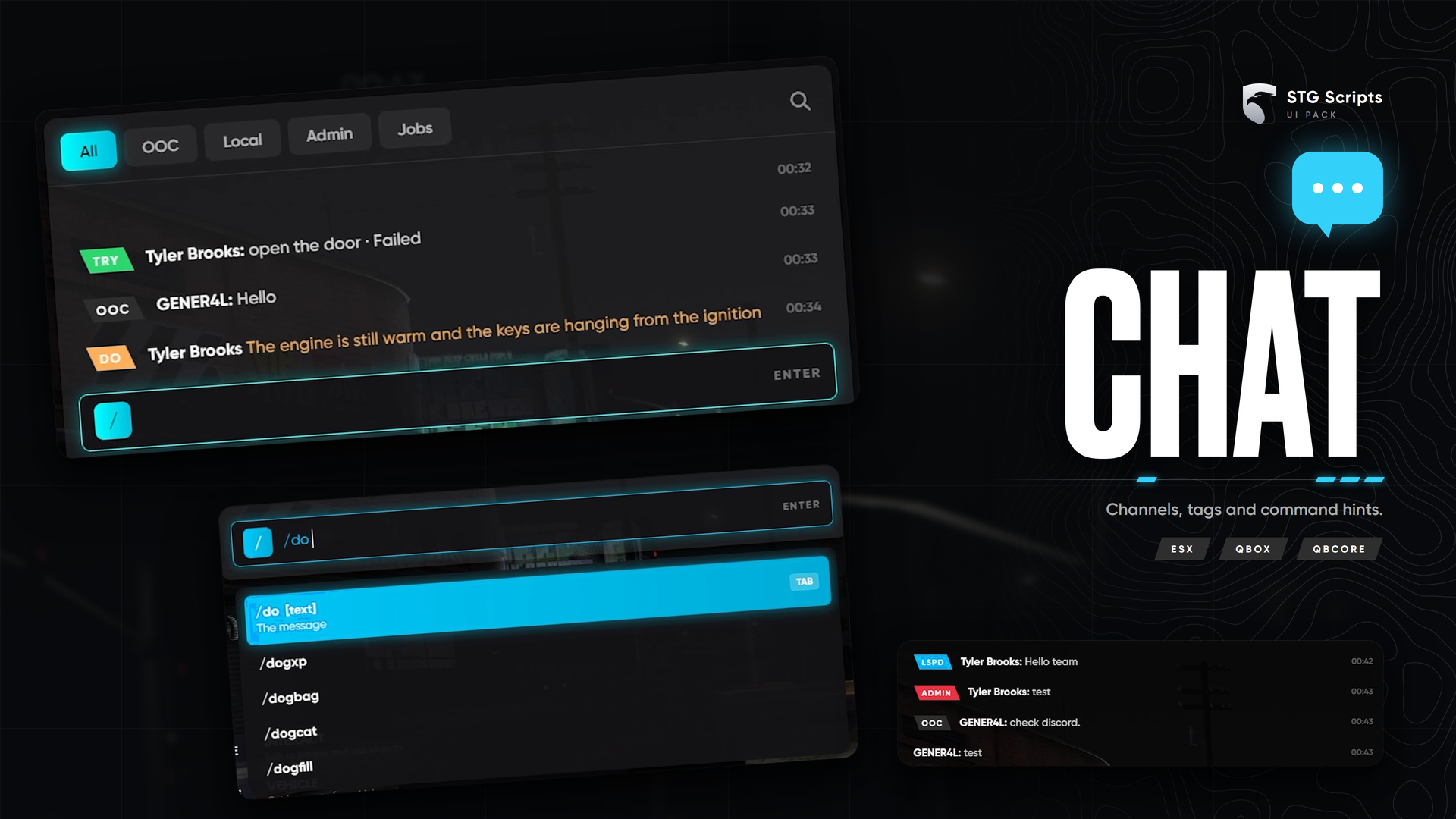
STG UI Pack: Chat
A full replacement for the default chat resource with the same events and exports, so every script that talks to the chat keeps working. The resource is stg-chat.
Installation
Download the script
Download the chat from the Cfx.re portal Granted Assets. Extract it, you get stg-chat.
Turn off the default chat
Open server.cfg and remove this line, or put # in front of it:
ensure chatDo not delete the chat folder in [cfx-default], just don't start it. STG Chat takes its name with provide 'chat'.
Start it
Put stg-chat inside resources/[STG] (ensure [STG]). Restart the whole server.
Commands
Config.Commands in shared/config.lua turns /ooc, /me, /do, /try and /announce on or off, with a range and permission groups.
/oocand/meare off by default because QBOX already has them.- While
esx_rpchatruns, STG Chat skips its own/meand/doso they don't show twice. /toggleChat(key L) cycles between "show when active", "always visible" and "hidden".
Staff (Config.StaffGroups): god, owner, superadmin and admin. A player is staff when their framework group matches or the group.<name> ace is allowed.
Channel tags
Add tag to a message for a coloured channel tag:
TriggerClientEvent('chat:addMessage', -1, { tag = 'police', args = { 'Dispatch', 'Shots fired at Legion Square' } })Messages whose author starts with a tag (OOC | John Doe) get the tag automatically. Tags and tab filters are set in web/js/config.js.
Compatible API
- Client events:
chat:addMessage,chatMessage,chat:addSuggestion,chat:addSuggestions,chat:removeSuggestion,chat:addTemplate,chat:clear,chat:addMode,chat:removeMode - Client exports:
addMessage,addSuggestion,setColor('#hex') - Server exports:
addMessage,registerMessageHook,registerMode
Still having trouble?
Open a ticket on our Discord. Our team answers around 15 hours a day.