
Installation
Install STG MDT on your FiveM server, add the two items to your inventory and start it.
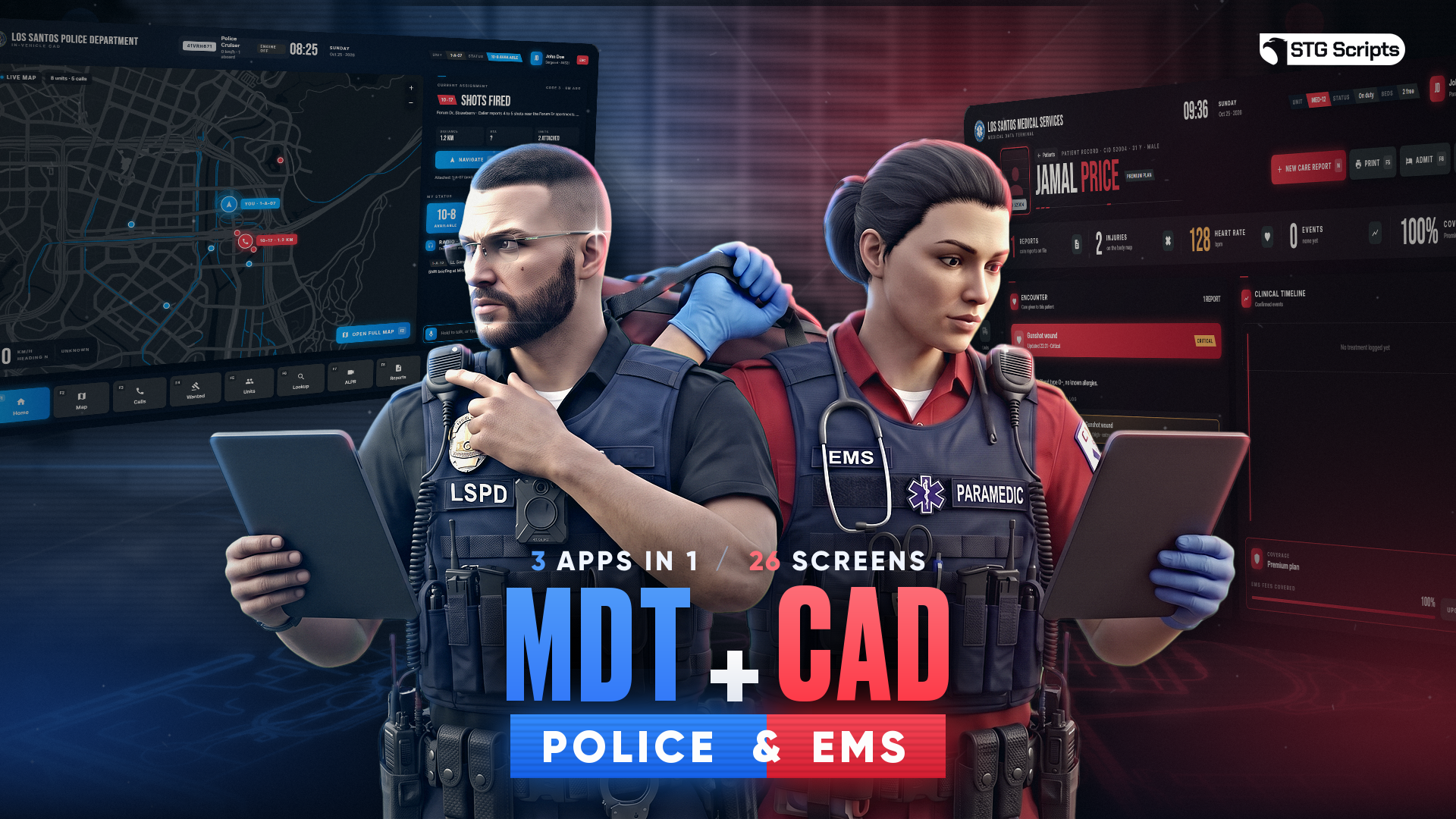
STG MDT + CAD System (Police & EMS)
Download the script
Sign in to the Cfx.re portal with the account you used at checkout and download stg-mdt from Granted Assets.
Move the resource
Extract the zip and place the stg-mdt folder inside the [STG] category folder in your resources directory.
resources/
└── [STG]/
    ├── stg_lib/
    └── stg-mdt/
Install the dependencies
The MDT needs ox_lib, oxmysql and stg_lib. Skip this step if your server already runs them. Optional resources are listed on the Dependencies page.
Add the items
The script uses 2 items: the tablet that opens the MDT and the sealed blood sample. Pick the tab for your inventory. QBOX servers, and any ESX or QBCore server running ox_inventory, use the ox_inventory tab.
Add these entries to ox_inventory/data/items.lua:
['stg_mdt_tablet'] = {
    label = 'MDT Tablet',
    weight = 500,
    stack = false,
    close = true,
    description = 'Mobile data terminal',
},

['stg_blood_sample'] = {
    label = 'Blood Sample',
    weight = 50,
    stack = false,
    close = true,
    description = 'Sealed forensic blood sample',
},
Add these lines to QBShared.Items in qb-core/shared/items.lua:
stg_mdt_tablet   = { name = 'stg_mdt_tablet', label = 'MDT Tablet', weight = 500, type = 'item', image = 'stg_mdt_tablet.png', unique = true, useable = true, shouldClose = true, description = 'Mobile data terminal' },
stg_blood_sample = { name = 'stg_blood_sample', label = 'Blood Sample', weight = 50, type = 'item', image = 'stg_blood_sample.png', unique = true, useable = false, shouldClose = true, description = 'Sealed forensic blood sample' },
Run this query on your database:
INSERT INTO items (name, label)
VALUES
    ('stg_mdt_tablet', 'MDT Tablet'),
    ('stg_blood_sample', 'Blood Sample');
Blood samples carry their sample code in the item metadata, so forensics needs an inventory with metadata such as ox_inventory.
Add the item images
Copy every image from stg-mdt/[SETUP]/item-images into your inventory's image folder, for example ox_inventory/web/images or qb-inventory/html/images.
Start the script
Make sure [STG] starts after your framework, ox_lib, oxmysql and your inventory in server.cfg:
ensure oxmysql
ensure ox_lib
# your framework: es_extended, qb-core or qbx_core
# your inventory: ox_inventory or qb-inventory
ensure stg_lib
ensure [STG]
Restart the whole server. The database tables are created on the first start, there is no SQL file to import. Go on duty as police or EMS and press F6.
The jobs that can use the MDT are set in Config.Jobs. The defaults are police, bcso, sasp and ambulance. If your jobs have other names, add them there first.
Nothing happens or the console shows an error? See Common Errors.
Next steps
Configuration
Jobs, opening, dispatch, evidence, ALPR, CCTV and EMS
Integrations
Connect your own phone, inventory, billing or garage script
Dependencies
What needs to start before the MDT
Still having trouble?
Open a ticket on our Discord. Our team answers around 15 hours a day.
MDT
Police MDT, in-vehicle CAD and EMS terminal in one FiveM script, with live dispatch, forensic DNA, warrants, ALPR, CCTV, phone trace, booking photos, evidence lockers and PDF reports.
Configuration
Every option in STG MDT shared/config.lua, from jobs, opening and the CAD to dispatch, permissions, evidence, forensics, ALPR, CCTV, billing and the EMS terminal.