
Installation
Install STG Jail System on your FiveM server, with the setup for ESX, QBCore and QBOX.
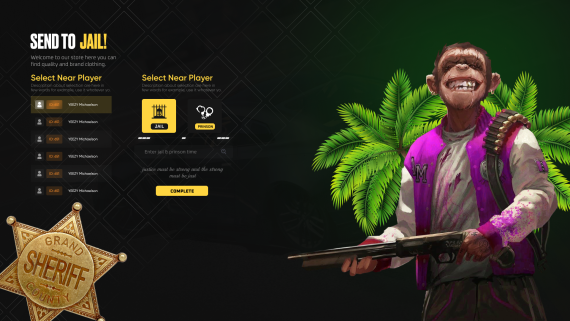
STG Jail System
Download the script
Sign in to the Cfx.re portal with the account you used at checkout and download stg_jail from Granted Assets. Use the ESX version on ESX and the QBCore version on QBCore and QBOX.
Move the resource
Extract the zip and place the stg_jail folder inside the [STG] category folder in your resources directory.
resources/
└── [STG]/
    └── stg_jail/
Set up the database line
The ESX version reads the player's firstname and lastname from the users table to show names in the jail menu. stg_jail/fxmanifest.lua loads the database library from mysql-async. On a server that runs oxmysql, change that line:
server_script {
    "config.lua",
    "main/server.lua",
    '@oxmysql/lib/MySQL.lua',
}
The QBCore version takes player names from the framework and does not use the database. stg_jail/fxmanifest.lua still lists @mysql-async/lib/MySQL.lua. If your server does not run mysql-async, remove that line:
server_script {
    "config.lua",
    "main/server.lua",
}
Start the script
Make sure [STG] starts after your framework in server.cfg:
# your database resource: oxmysql or mysql-async
ensure oxmysql
ensure es_extended
ensure [STG]
# your framework: qb-core or qbx_core
ensure qb-core
ensure [STG]Then restart the whole server.
Nothing happens or the console shows an error? See Common Errors.
Next steps
Configuration
Menu key, police transport, cells, items and outfits
Dependencies
What needs to start before Jail System
Still having trouble?
Open a ticket on our Discord. Our team answers around 15 hours a day.
Jail System
Police send nearby players to a holding cell or prison. An NPC officer arrives with a patrol car, cuffs the suspect and drives them to the station.
Configuration
Every option in STG Jail System config.lua and customize.lua, from the menu key and the NPC police transport to cells, release points, kept items and notifications.