
Installation
Install STG Hud on your FiveM server in five steps, with the nitro item for ox_inventory, qb-inventory and the ESX default inventory.
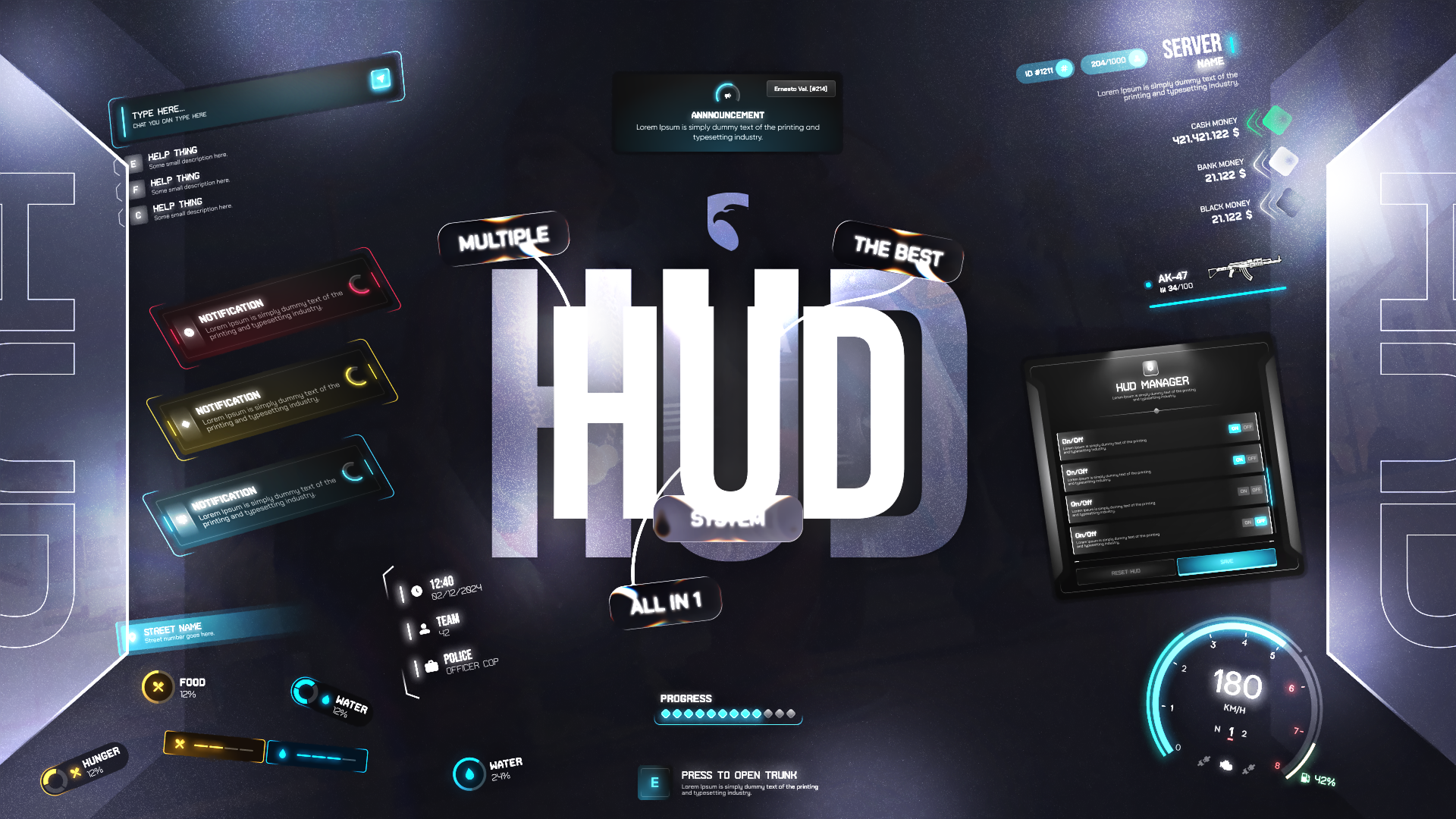
STG Hud
Download the script
Sign in to the Cfx.re portal with the account you used at checkout and download stg-hud from Granted Assets.
Move the resource
Extract the zip and place the stg-hud folder inside the [STG] category folder in your resources directory.
resources/
└── [STG]/
    ├── stg_lib/
    └── stg-hud/
Install the dependencies
Hud needs ox_lib and stg_lib. Skip this step if your server already runs them.
Add the nitro item
Players install nitro on a vehicle by using the nos item. The item image is in stg-hud/[SETUP]/item-image/nos.png. Skip this step if you turn nitro off with Config.Features.nitro = false.
Add the item to ox_inventory/data/items.lua and copy nos.png to ox_inventory/web/images/. QBOX servers use this tab.
['nos'] = {
    label = 'Nitro',
    weight = 1000,
    stack = true,
    close = true,
    client = {
        event = 'stg-hud:nitro:use',
    },
},
Then run restart ox_inventory or restart the server.
Add the item to qb-core/shared/items.lua and copy nos.png to qb-inventory/html/images/.
nos = { name = 'nos', label = 'Nitro', weight = 1000, type = 'item', image = 'nos.png', unique = false, useable = true, shouldClose = true, description = 'Nitrous kit for your vehicle' },Run this query on your database:
INSERT INTO `items` (`name`, `label`, `weight`) VALUES ('nos', 'Nitro', 1);If you rename the item, change Config.Nitro.itemName to match.
Start the script
Make sure [STG] starts after your framework and ox_lib in server.cfg:
ensure ox_lib
# your framework: es_extended, qb-core or qbx_core
ensure stg_lib
ensure [STG]
Then restart the whole server.
The stream/ folder replaces the game's minimap with the rounded STG version. If another HUD or minimap resource on your server streams its own minimap.gfx, the two conflict. Keep only one of them, and stop your old HUD so two HUDs are not drawn at once.
Nothing happens or the console shows an error? See Common Errors.
Next steps
Configuration
Theme, sections, chat, announcements, seatbelt and nitro
Exports
Notifications, progress bar and prompts from your scripts
Dependencies
What needs to start before Hud
Still having trouble?
Open a ticket on our Discord. Our team answers around 15 hours a day.
Hud
A complete HUD with speedometer, custom minimap, seven status bars, money display, chat, notifications, progress bar, seatbelt and nitro, which players can arrange themselves.
Configuration
Every option in STG Hud config/config.lua, from theme, server info and HUD sections to status colors, black money, chat, announcements, seatbelt, nitro, intervals and fuel.