
Installation
Install STG Crafting System on your FiveM server, add the crafting materials to your inventory and start it.
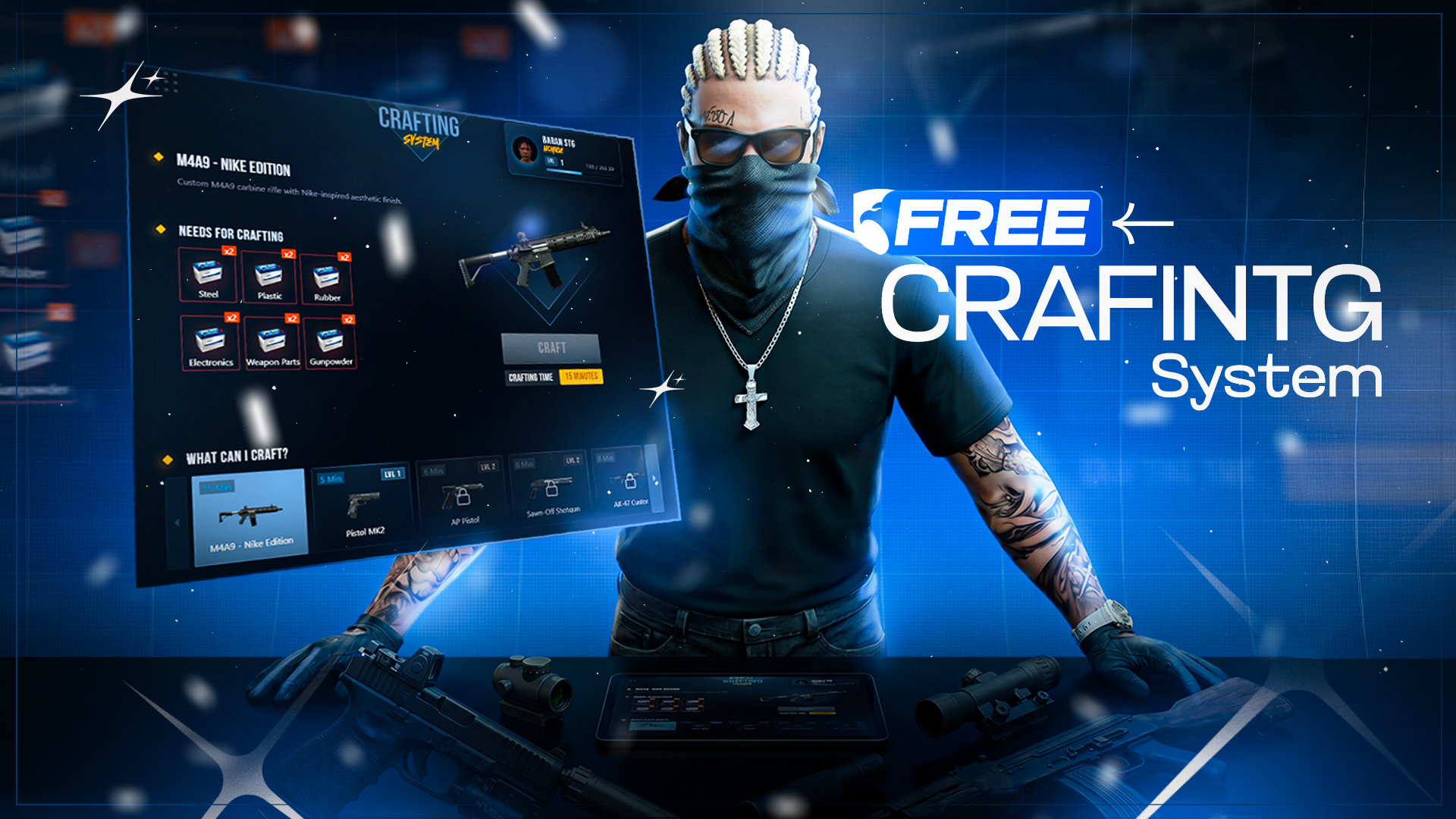
STG Crafting System
Download the script
Sign in to the Cfx.re portal with the account you used at checkout and download stg-crafting from Granted Assets.
Move the resource
Extract the zip and place the stg-crafting folder inside the [STG] category folder in your resources directory.
resources/
└── [STG]/
    ├── stg_lib/
    └── stg-crafting/
Install the dependencies
Crafting System needs ox_lib, oxmysql and stg_lib. Skip this step if your server already runs them. The database tables stg_crafting_levels and stg_crafting_benches are created on the first start. If you prefer to create them yourself, import stg-crafting/[SETUP]/stg_crafting.sql.
Add the crafting materials
Every ingredient and result of a recipe must exist as an item in your inventory. The two shipped benches offer the weapon recipes, which use iron, metalscrap, plastic, rubber and electronickit and give weapon_* items. The weapons already exist in every inventory. Pick the tab for your inventory to add the materials. QBOX servers, and any ESX or QBCore server running ox_inventory, use the ox_inventory tab.
Add these entries to ox_inventory/data/items.lua:
["iron"] = {
    label = "Iron",
    weight = 100,
    stack = true,
    close = true,
},

["metalscrap"] = {
    label = "Metal Scrap",
    weight = 100,
    stack = true,
    close = true,
},

["plastic"] = {
    label = "Plastic",
    weight = 100,
    stack = true,
    close = true,
},

["rubber"] = {
    label = "Rubber",
    weight = 100,
    stack = true,
    close = true,
},

["electronickit"] = {
    label = "Electronic Kit",
    weight = 100,
    stack = true,
    close = true,
},
Nothing to add. iron, metalscrap, plastic, rubber and electronickit already ship in qb-core/shared/items.lua.
Run this query on your database:
INSERT INTO items (name, label)
VALUES
    ('iron', 'Iron'),
    ('metalscrap', 'Metal Scrap'),
    ('plastic', 'Plastic'),
    ('rubber', 'Rubber'),
    ('electronickit', 'Electronic Kit');
The lockpick, advanced_lockpick and sandwich recipes are not on any bench by default. If you add them to a bench, add their items as well. See Recipes for the full list.
Start the script
Make sure [STG] starts after your framework, your inventory, oxmysql and ox_lib in server.cfg. If you use ox_target or qb-target, start it before [STG] too:
ensure oxmysql
ensure ox_lib
# your framework: es_extended, qb-core or qbx_core
# your inventory, for example ox_inventory
# your target resource, if you use one
ensure stg_lib
ensure [STG]
Then restart the whole server.
Keep the folder name stg-crafting. With any other name, the server and client consoles print a rename warning every second.
Nothing happens or the console shows an error? See Common Errors.
Next steps
Configuration
Benches, queue, levels, themes and the bench creator
Recipes
Recipe format, shipped recipes and adding your own
Dependencies
What needs to start before Crafting System
Still having trouble?
Open a ticket on our Discord. Our team answers around 15 hours a day.
Crafting System
Crafting benches with weapon and item recipes, a crafting queue that keeps running offline, levels and ranks, job and gang locks, and an in-game bench creator.
Configuration
Every option in STG Crafting System shared/config.lua, from benches, queue and level system to themes, target, the bench creator and notifications.