
Installation
Install STG Character Creator on your FiveM server and connect it to esx_identity, esx_skin, qb-clothing and your multicharacter resource.
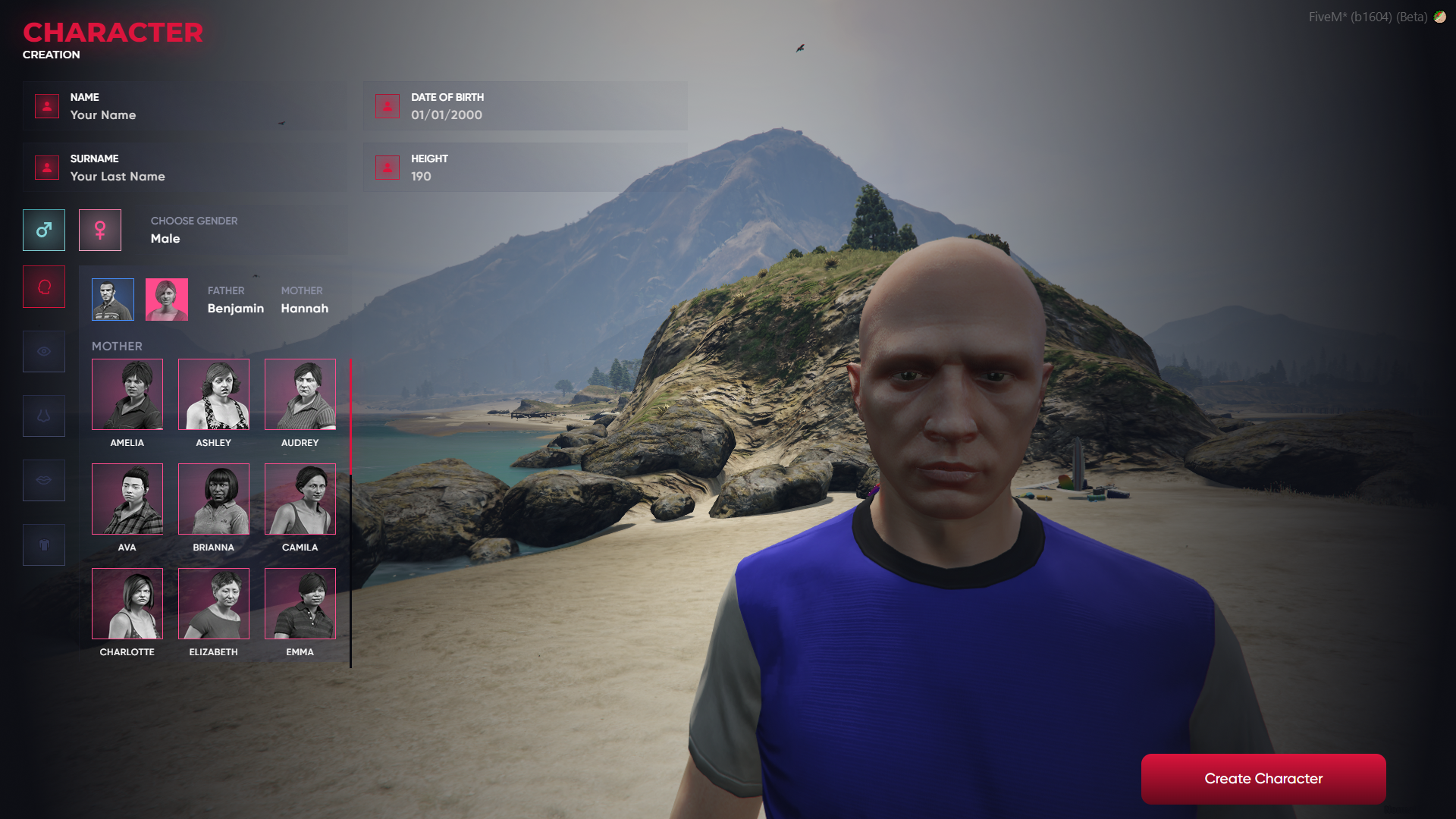
STG Character Creator
Download the script
Sign in to the Cfx.re portal with the account you used at checkout and download stg_charcreator from Granted Assets. There is an ESX build and a QBCore build. QBOX servers use the QBCore build.
Move the resource
Extract the zip and place the stg_charcreator folder inside the [STG] category folder in your resources directory.
resources/
└── [STG]/
    └── stg_charcreator/
Keep the folder name exactly stg_charcreator, with the underscore. The menu talks to the resource by that name, so a renamed folder opens the creator but the buttons and sliders do nothing.
Install the dependencies
Character Creator needs esx_skin and skinchanger, plus esx_identity when you use a multicharacter resource. Skip this step if your server already runs them.
Character Creator needs qb-clothing to save the finished look, and a multicharacter resource that creates the character. Skip this step if your server already runs them.
Point the script to your database resource
stg_charcreator/fxmanifest.lua loads the database library from mysql-async. On a server that runs oxmysql, change that line:
server_scripts {
    "main/server.lua",
    "config.lua",
    "@oxmysql/lib/MySQL.lua"
}
Connect it to your character flow
Open stg_charcreator/config.lua and set STG.multicharacter for your server.
- With a multicharacter resource, keep
STG.multicharacter = true. The creator opens whenesx_identity:showRegisterIdentityfires for a new character. - Without one, set
STG.multicharacter = false. The creator opens on spawn for every player whosefirstnamein theuserstable is empty, and the entered identity is passed on toesx_identitywithesx_identity:completedRegistration.
The name, surname, date of birth, height and gender are written to the users table. The look is saved with esx_skin and put on the ped with skinchanger.
The esx_identity registration form listens to esx_identity:showRegisterIdentity as well. If it still opens next to the creator, stop it from showing so players only see the STG Character Creator.
Nothing to set in the config. The creator opens when your multicharacter resource sends qb-clothes:client:CreateFirstCharacter for a new character.
The first name and last name are written to the character's charinfo in the players table, and the look is saved through qb-clothing:saveSkin.
qb-clothing opens its own creation menu on the same event. If it still opens next to the creator, stop that menu from showing, but keep qb-clothing running because it saves the skin.
Start the script
Make sure [STG] starts after your framework, your database resource and your skin resources in server.cfg:
ensure oxmysql
# your framework: es_extended, qb-core or qbx_core
# on ESX: ensure skinchanger, esx_skin and esx_identity
# on QBCore and QBOX: ensure qb-clothing
ensure [STG]
Then restart the whole server.
Nothing happens or the console shows an error? See Common Errors.
Next steps
Configuration
Creation spot, arrival spot and multicharacter mode
Dependencies
What needs to start before Character Creator
Still having trouble?
Open a ticket on our Discord. Our team answers around 15 hours a day.