
Installation
Install STG Vanaheim Fuel on your FiveM server, with the database import and the jerrycan and siphon items for ox_inventory, qb-core and ESX.
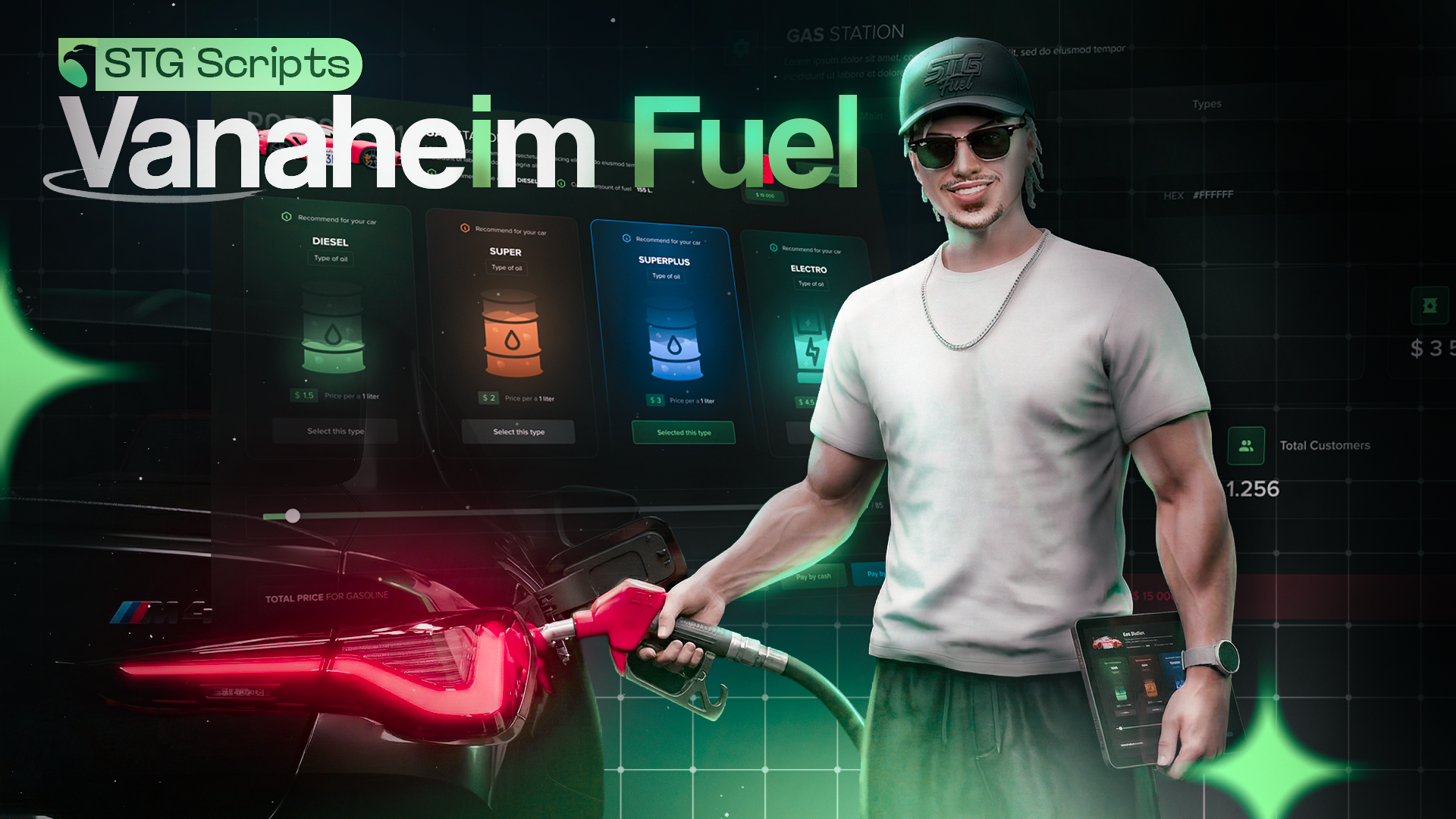
STG Vanaheim Fuel
Download the script
Sign in to the Cfx.re portal with the account you used at checkout and download stg-vanaheimfuel from Granted Assets.
Move the resource
Extract the zip and place the stg-vanaheimfuel folder inside the [STG] category folder in your resources directory.
resources/
└── [STG]/
    ├── stg_lib/
    └── stg-vanaheimfuel/
Install the dependencies
Vanaheim Fuel needs ox_lib, oxmysql and stg_lib. Skip this step if your server already runs them.
Remove your old fuel script
Vanaheim Fuel is a complete fuel system. Stop and remove LegacyFuel, ox_fuel, cdn-fuel, ps-fuel or any other fuel resource, otherwise both scripts fight over the fuel level.
Vanaheim Fuel registers itself as LegacyFuel, so HUDs, garages and other scripts that call the LegacyFuel exports keep working. See Exports.
Import the database
Import stg-vanaheimfuel/[SETUP]/stg_vanaheimfuel.sql into your database. It creates the stg_fuel table. On the first start the script adds one row for every station in the config.
Add the items
Players buy jerrycans at the pump and use siphons to steal fuel. Add the four items to your inventory. QBOX servers, and any ESX or QBCore server running ox_inventory, use the ox_inventory tab.
| Item | Use |
|---|---|
jerrycan | Full jerrycan, used to fuel a vehicle anywhere |
empty_jerrycan | Left over after use, refill or return it at a pump |
fuel_siphon | Used on a vehicle to steal its fuel |
fuel_siphon_full | Used on a vehicle to pour the stolen fuel in |
Add these entries to ox_inventory/data/items.lua:
['jerrycan'] = {
    label = 'Jerrycan',
    weight = 2000,
    stack = true,
    close = true,
},

['empty_jerrycan'] = {
    label = 'Empty Jerrycan',
    weight = 500,
    stack = true,
    close = true,
},

['fuel_siphon'] = {
    label = 'Fuel Siphon',
    weight = 500,
    stack = true,
    close = true,
},

['fuel_siphon_full'] = {
    label = 'Fuel Siphon (Full)',
    weight = 1500,
    stack = true,
    close = true,
},
Add these lines to QBShared.Items in qb-core/shared/items.lua:
jerrycan         = { name = 'jerrycan', label = 'Jerrycan', weight = 2000, type = 'item', image = 'jerrycan.png', unique = false, useable = true, shouldClose = true, description = 'Portable fuel container' },
empty_jerrycan   = { name = 'empty_jerrycan', label = 'Empty Jerrycan', weight = 500, type = 'item', image = 'empty_jerrycan.png', unique = false, useable = false, shouldClose = true, description = 'Empty portable fuel container' },
fuel_siphon      = { name = 'fuel_siphon', label = 'Fuel Siphon', weight = 500, type = 'item', image = 'fuel_siphon.png', unique = false, useable = true, shouldClose = true, description = 'Used to siphon fuel from vehicles' },
fuel_siphon_full = { name = 'fuel_siphon_full', label = 'Fuel Siphon (Full)', weight = 1500, type = 'item', image = 'fuel_siphon_full.png', unique = false, useable = true, shouldClose = true, description = 'Fuel siphon filled with fuel' },
Run this query on your database:
INSERT INTO items (name, label)
VALUES
    ('jerrycan', 'Jerrycan'),
    ('empty_jerrycan', 'Empty Jerrycan'),
    ('fuel_siphon', 'Fuel Siphon'),
    ('fuel_siphon_full', 'Fuel Siphon (Full)');
If you rename an item, change the matching name in Config.Jerrycan or Config.Siphon too.
Add the item images
Copy every image from stg-vanaheimfuel/[SETUP]/item-images into your inventory's image folder, for example ox_inventory/web/images or qb-inventory/html/images.
Start the script
Make sure [STG] starts after your framework, your inventory, oxmysql and ox_lib in server.cfg:
ensure oxmysql
ensure ox_lib
# your framework: es_extended, qb-core or qbx_core
# your inventory, for example ox_inventory
ensure stg_lib
ensure [STG]
Then restart the whole server.
The language is part of every station's saved name. Set Config.Language before the first start, see Language.
Nothing happens or the console shows an error? See Common Errors.
Next steps
Configuration
Stations, prices, staff, deliveries and vehicles
Exports
GetFuel, SetFuel and connecting HUDs and garages
Dependencies
What needs to start before Vanaheim Fuel
Still having trouble?
Open a ticket on our Discord. Our team answers around 15 hours a day.
Vanaheim Fuel
A full fuel system where every gas station is a business players can buy, staff with NPCs, restock with fuel deliveries and run from a management menu.
Configuration
Every option in STG Vanaheim Fuel, from stations, fuel prices and business rules to pumps, deliveries, NPC staff, car wash, siphoning and vehicle fuel consumption.