
Installation
Install STG Loading Screen V2 on your FiveM server in six steps, including replacing your old loading screen and the optional Discord bot token.
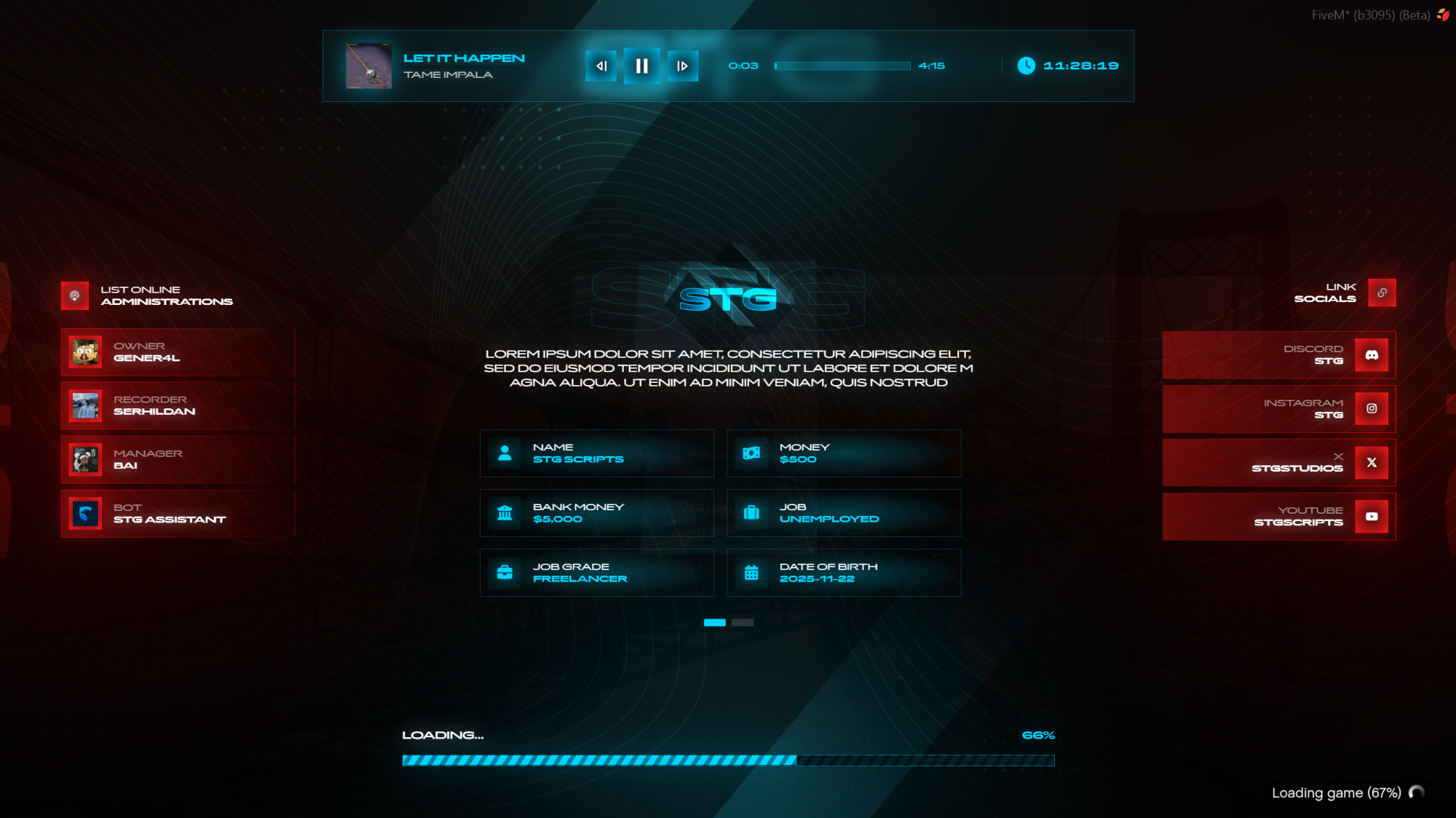
STG Loading Screen V2
Download the script
Sign in to the Cfx.re portal with the account you used at checkout and download stg-loadingv2 from Granted Assets.
Move the resource
Extract the zip and place the stg-loadingv2 folder inside the [STG] category folder in your resources directory.
resources/
└── [STG]/
    └── stg-loadingv2/
Install the dependencies
Loading Screen V2 needs oxmysql to read the player's characters from your database. Skip this step if your server already runs it.
Remove your old loading screen
Only one loading screen can be active. Remove or stop the loading screen resource your server used before, for example qb-loading on QBCore, and delete its ensure line from server.cfg.
Add a Discord bot token (optional)
To show your staff members' Discord avatars, open stg-loadingv2/settings.lua and paste a bot token:
Settings = {
    botToken = "your bot token"
}
Use a bot token, not a webhook. See Create a Discord Bot Token. Without a token, every staff member shows the default picture.
Start the script
Make sure [STG] starts after your framework and oxmysql in server.cfg:
ensure oxmysql
# your framework: es_extended, qb-core or qbx_core
ensure [STG]
Then restart the whole server.
The loading screen stays open until your character selection or spawn script closes it with ShutdownLoadingScreenNui(). Multicharacter scripts normally already do this. If the loading screen never goes away after joining, add ShutdownLoadingScreenNui() to the client side of your spawn or character selection script, at the moment the player should see the game.
Nothing happens or the console shows an error? See Common Errors.
Next steps
Configuration
Theme, server name, staff, music, socials and images
Dependencies
What needs to start before Loading Screen V2
Still having trouble?
Open a ticket on our Discord. Our team answers around 15 hours a day.
Loading Screen V2
A themed FiveM loading screen with the player's own character info, a music player, your staff list with Discord avatars, social links and a live loading bar.
Configuration
Every option in STG Loading Screen V2 config.lua and settings.lua, plus how to change the music, logos, background video and description text.