
Installation
Install STG Driving School on your FiveM server in five steps, with license storage notes for ESX, QBCore and QBOX.
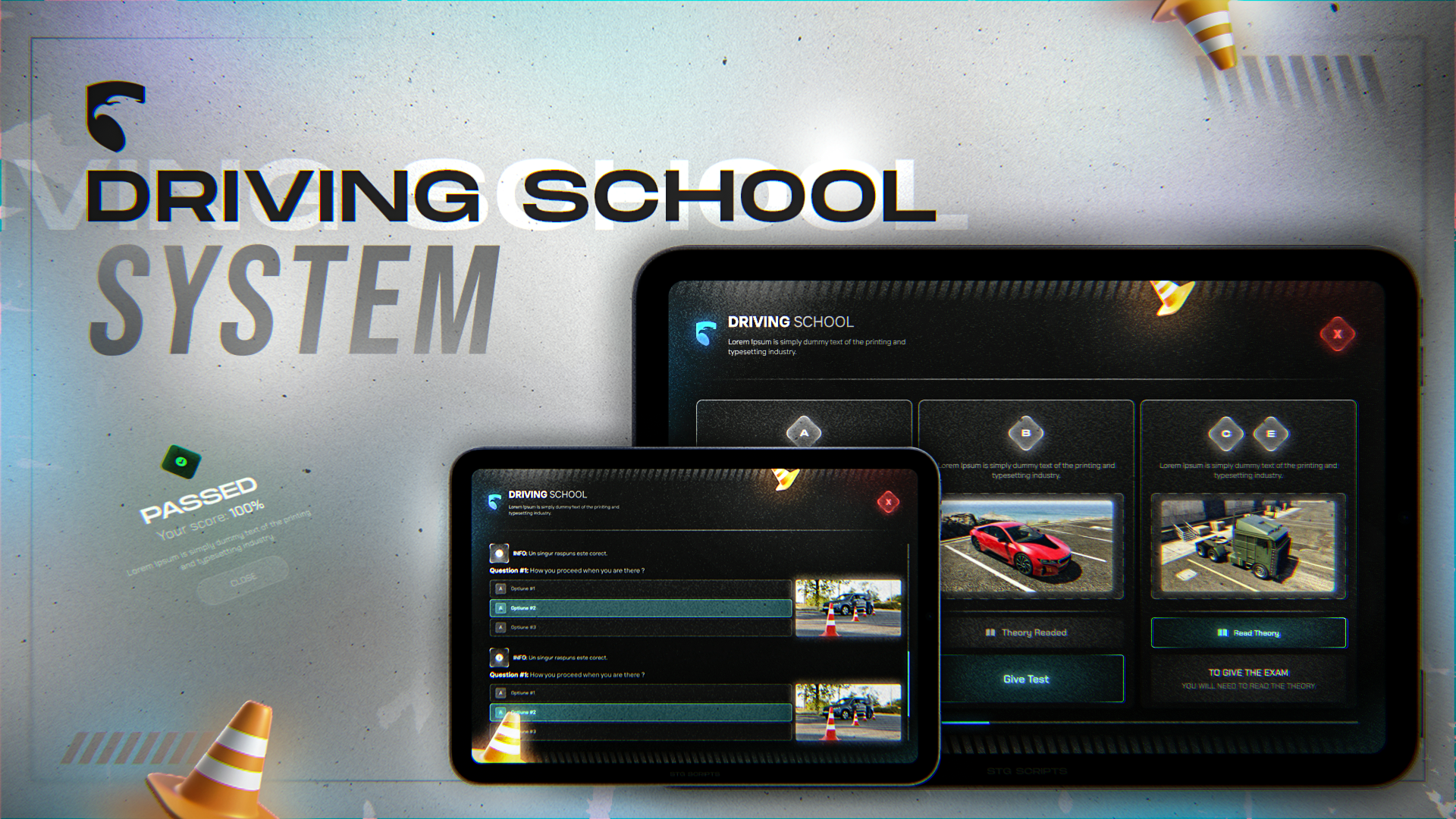
STG Driving School
Download the script
Sign in to the Cfx.re portal with the account you used at checkout and download stg-drivingschool from Granted Assets.
Move the resource
Extract the zip and place the stg-drivingschool folder inside the [STG] category folder in your resources directory. Keep the folder name stg-drivingschool: under any other name the console keeps printing a rename warning.
resources/
└── [STG]/
    ├── stg_lib/
    └── stg-drivingschool/
Install the dependencies
Driving School needs ox_lib, oxmysql and stg_lib. Skip this step if your server already runs them.
Check the license storage
Passed exams are saved as licenses in your framework. The default names are drive_b (car), drive_a (motorcycle), drive_c (truck), drive_h (helicopter), drive_plane and drive_boat, set by licenseName in the config.
Licenses are written to the user_licenses table. This table comes from esx_license, so import esx_license.sql if your database does not have it yet.
If other scripts on your server show license names from the licenses table (an ID card or a police menu, for example), add a row for each license name:
INSERT INTO `licenses` (`type`, `label`) VALUES
    ('drive_b', 'Car License'),
    ('drive_a', 'Motorcycle License'),
    ('drive_c', 'Truck License'),
    ('drive_h', 'Helicopter License'),
    ('drive_plane', 'Plane License'),
    ('drive_boat', 'Boat License');
Nothing to import. Licenses are saved in the player's licences metadata, for example licences.drive_b = true.
Other scripts that check a license by name, such as a vehicle shop or a police menu, only see it when they look for the same name. Change licenseName in the config to the name those scripts use, or update them to check drive_b.
Start the script
Make sure [STG] starts after your framework, oxmysql and ox_lib in server.cfg:
ensure oxmysql
ensure ox_lib
# your framework: es_extended, qb-core or qbx_core
ensure stg_lib
ensure [STG]
Then restart the whole server.
Nothing happens or the console shows an error? See Common Errors.
Next steps
Configuration
License types, routes, exam rules, questions and hooks
Dependencies
What needs to start before Driving School
Still having trouble?
Open a ticket on our Discord. Our team answers around 15 hours a day.
Driving School
Car, motorcycle, truck, helicopter, plane and boat licenses with a theory exam, a practical test on a real route, road events and penalty points.
Configuration
Every option in STG Driving School config/config.lua, from license types, routes and road events to exam rules, the question pool and server hooks.