
Installation
Install STG Advanced Fuel on your FiveM server in four steps.
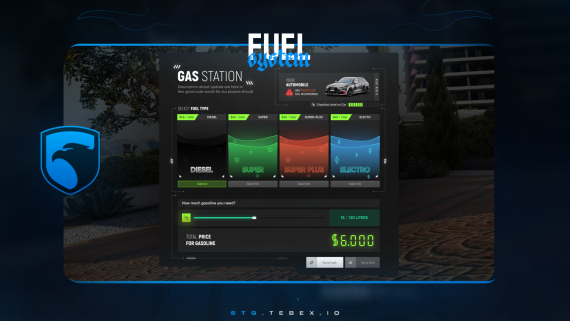
STG Advanced Fuel
Download the script
Sign in to the Cfx.re portal with the account you used at checkout and download stg-fuel from Granted Assets.
Move the resource
Extract the zip and place the stg-fuel folder inside the [STG] category folder in your resources directory.
resources/
└── [STG]/
    └── stg-fuel/
Keep the folder name stg-fuel. Under any other name the console keeps asking you to rename it, and the exports use this name.
Remove your old fuel script
Stop and remove any other fuel resource, such as LegacyFuel, ox_fuel or cdn-fuel. Two fuel scripts drain and set the same tank and fight each other.
If other resources call exports['LegacyFuel'], point them to stg-fuel. See Exports.
Start the script
Make sure [STG] starts after your framework in server.cfg:
# your framework: es_extended, qb-core or qbx_core
ensure [STG]
Then restart the whole server.
Nothing happens or the console shows an error? See Common Errors.
Next steps
Configuration
Fuel types, prices, consumption, pumps and blips
Dependencies
What needs to start before Advanced Fuel
Still having trouble?
Open a ticket on our Discord. Our team answers around 15 hours a day.
Advanced Fuel
A fuel system with diesel, super, super plus and electric fuel, a gas pump menu with cash or card payment, fuel consumption and Discord logs.
Configuration
Every option in STG Advanced Fuel config.lua and webhook.lua, from fuel types, prices and consumption to pumps, blips, electric cars and Discord logs.